
[npm package]
@onlyfansapi/authThe official, secure, and easy-to-use authentication library for the OnlyFans API. Streamline your integration with enterprise-grade security and developer experience.
Install Now
4.9 Star Rating
1K+ Developers
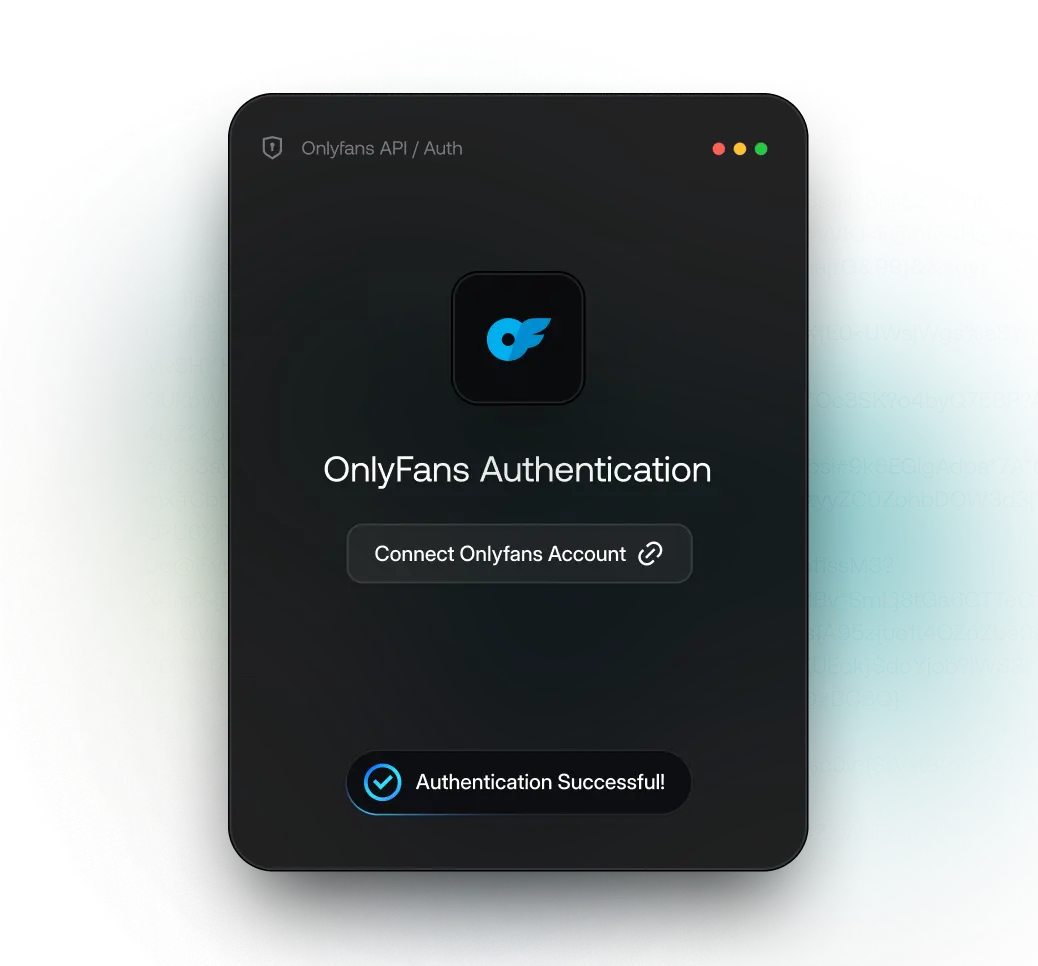
// auth by onlyfans_apı
// npmjs.com/package/@onlyfansapi/auth
[FEATURES]
Why Choose
@onlyfansapi/auth?
@onlyfansapi/auth?
 Secure & ResponsiveBuilt with enterprise-grade security and works seamlessly on both desktop and mobile devices.Lightning Fast1.5kB script loads in just 2ms on 4G internet, ensuring your users never wait for authentication.Developer ExperienceDeveloper-friendly with TypeScript support, comprehensive docs, and intuitive APIs.
npm install @onlyfansapi/authimport React, { useState } from 'react';
import { startOnlyFansAuthentication } from '@onlyfansapi/auth';
export default function AuthComponent() {
const [isLoading, setIsLoading] = useState(false);
const [authData, setAuthData] = useState(null);
const [error, setError] = useState(null);
const handleAuthentication = () => {
setIsLoading(true);
setError(null);
startOnlyFansAuthentication('ofapi_cs_XXXXXXXXXXXXXXXXXXXXXXXXXXXXXXXX', {
onSuccess: (data) => {
console.log('Authentication successful:', data);
setAuthData(data);
setIsLoading(false);
// data.accountId - The authenticated account ID
// data.username - The authenticated username
// data.response - Full response from the API
},
onError: (error) => {
console.error('Authentication failed:', error);
setError(error);
setIsLoading(false);
// error.message - Error message
// error.code - Error code (if available)
// error.details - Additional error details (if available)
},
});
};
return (
<div className="auth-container">
<button
onClick={handleAuthentication}
disabled={isLoading}
className="auth-button"
>
{isLoading ? 'Authenticating...' : 'Connect OnlyFans Account'}
</button>
{authData && (
<div className="success-message">
<h3>Authentication Successful!</h3>
<p>Account ID: {authData.accountId}</p>
<p>Username: {authData.username}</p>
</div>
)}
{error && (
<div className="error-message">
<h3>Authentication Failed</h3>
<p>{error.message}</p>
</div>
)}
</div>
);
}
[mcp for claude]
Ready to Build Something Amazing?Join thousands of developers who trust @onlyfansapi/auth for their OnlyFans integrations.
Install Now