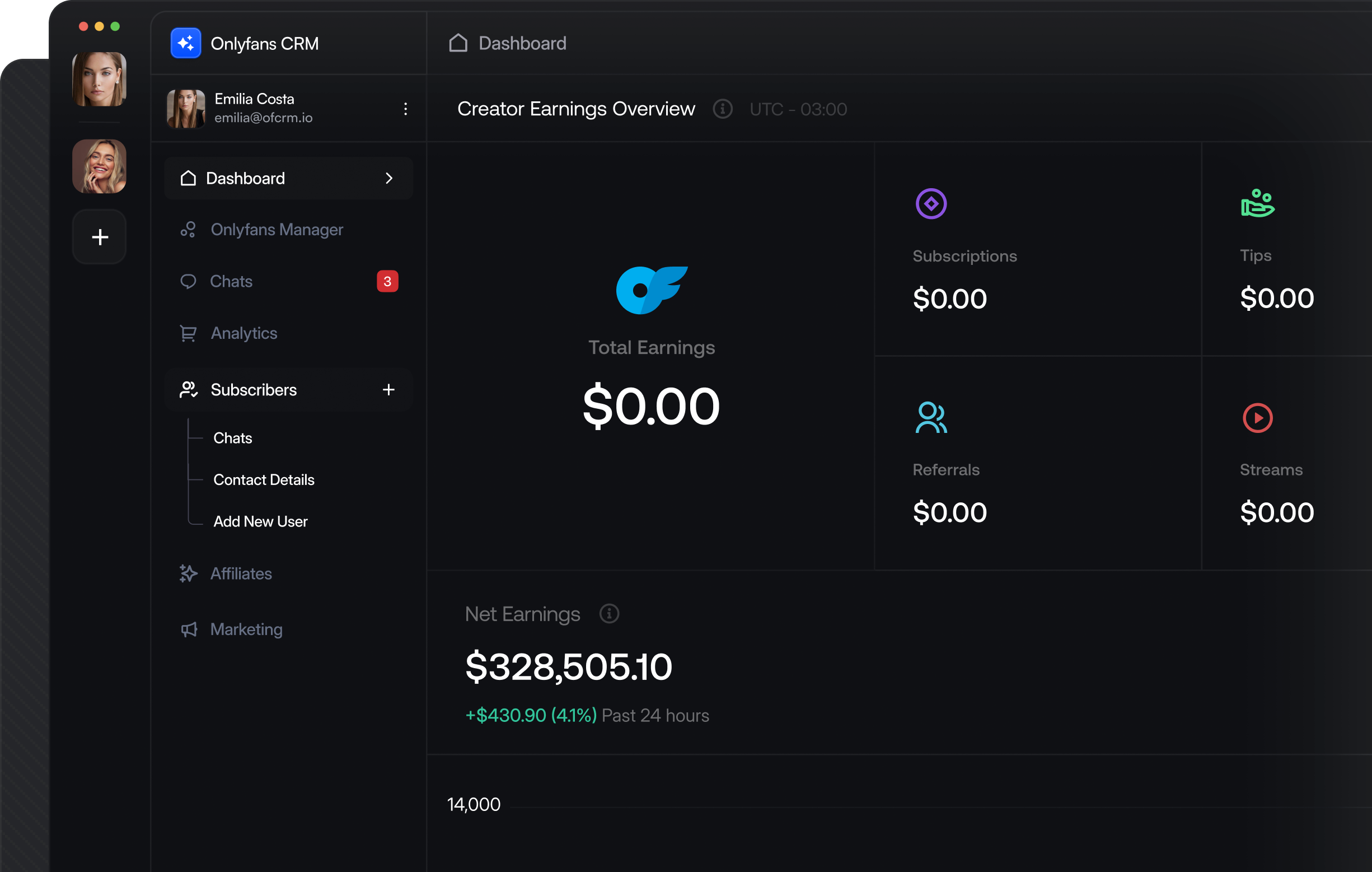
[OnlyFans CRM API]
Send Targeted Mass Messages and PPV Campaigns via APIProgrammatically send mass messages to user lists, schedule PPV campaigns with media, and track unlock rates with real-time webhooks. Built for agencies managing multiple creators at scale.
[API ENDPOINTS & WEBHOOKS]
How Mass Messaging Works via APIUpload media, target fan segments, send at scale, and track revenue — all programmatically with real-time status callbacks.
Upload Media
Push photos or videos to OnlyFans CDN
Target Fans
Select user lists or individual fan IDs
Send Campaign
Mass message queued and sent progressively
Track Revenue
PPV unlock webhooks fire in real time
[MASS MESSAGING USE CASES ]
Real Webhook-Driven Mass Messaging Use CasesEach use case shows the webhook event that triggers it and the API endpoint you call. Build these into your messaging pipeline.
chat_queue.finishedFires when the mass message batch completes sending
WEBHOOKaccounts.connected
Fires when a creator successfully connects their OnlyFans account.
POST/api/{account}/mass-messaging
Send a mass message with media, price, and user list targeting
Track PPV Unlock RevenueGet notified the instant a fan unlocks a paid message. Track revenue per campaign and per fan in real time.
WEBHOOKmessages.ppv.unlocked
Fires when a fan purchases a paid message with amount data
POST/api/{account}/engagement/messa...
Get mass message engagement stats and revenue
Build Smart Target ListsCreate user lists by segment — top spenders, recent subscribers, expired fans — and use them as mass message targets.
WEBHOOKsubscriptions.new
Fires on new subscription — add to welcome campaign list
POST/api/{account}/user-lists
Create a new user list for targeting
Upload and Attach MediaUpload photos and videos to the OnlyFans CDN, then attach them to mass messages as free or PPV content.
WEBHOOKchat_queue.updated
Fires as the message batch sends — track progress
POST/api/{account}/media/upload
Upload a file or URL to the OnlyFans CDN
Monitor Campaign PerformanceTrack which messages drive the most revenue. See buyer lists, unlock rates, and top-performing content.
WEBHOOKmessages.ppv.unlocked
Fires per unlock — aggregate for campaign stats
GET/api/{account}/engagement/messa...
Get the highest-revenue message across all campaigns
Schedule and Manage QueueView queued messages, update pending campaigns, or cancel messages before they send. Full control over your send pipeline.
WEBHOOKchat_queue.updated
Fires when a fan likes a post — track engagement
PUT/api/{account}/posts
Create a new post with media, captions, and scheduling
[DEVELOPER QUICKSTART]
Production-Ready Code ExamplesReal API calls for sending mass messages, tracking PPV revenue, and pulling campaign analytics.
Use the @onlyfansapi/auth NPM package to let creators connect their OnlyFans account inside your CRM. Zero dependencies, framework-agnostic, full TypeScript support.
// Step 1: Upload media to OnlyFans CDN
const mediaResponse = await fetch(
  'https://app.onlyfansapi.com/api/acct_XXXX/media/upload',
  {
    method: 'POST',
    headers: {
      'Authorization': 'Bearer sk_your_api_key',
      'Content-Type': 'application/json'
    },
    body: JSON.stringify({
      file_url: 'https://your-cdn.com/exclusive-content.mp4'
    })
  }
);
const media = await mediaResponse.json();

// Step 2: Send mass PPV message to a user list
const massMessageResponse = await fetch(
  'https://app.onlyfansapi.com/api/acct_XXXX/mass-messaging',
  {
    method: 'POST',
    headers: {
      'Authorization': 'Bearer sk_your_api_key',
      'Content-Type': 'application/json'
    },
    body: JSON.stringify({
      text: 'Exclusive content just for you 🔥',
      price: 15.00,
      mediaFiles: [media.data.id],
      userLists: ['top_spenders_list_id']
    })
  }
);
const campaign = await massMessageResponse.json();
console.log('Campaign sent:', campaign.data.id);
[API ENDPOINTS & WEBHOOKS]
Available Endpoints and WebhooksEvery endpoint and webhook event for mass messaging. Full documentation at docs.onlyfansapi.com.
API
Endpoints
POST
/api/{account}/mass-messaging
Send a mass message to user lists or user IDs.
GET
/api/{account}/mass-messaging
List all queued mass messages.
GET
/api/{account}/mass-messaging/overview
Get mass messaging overview statistics.
GET
/api/{account}/mass-messaging/{id}
Retrieve a specific mass message.
PUT
/api/{account}/mass-messaging/{id}
Update a pending mass message.
DELETE
/api/{account}/mass-messaging/{id}
Delete or unsend a mass message.
POST
/api/{account}/media/upload
Upload media to the OnlyFans CDN.
GET
/api/{account}/user-lists
List all user lists available for targeting.
POST
/api/{account}/user-lists
Create a new user list.
POST
/api/{account}/user-lists/{id}/users
Add users to an existing list.
GET
/api/{account}/engagement/messages/mass-messages
Retrieve mass message engagement statistics.
GET
/api/{account}/engagement/messages/top-message
Get the highest-revenue mass message.
GET
/api/{account}/engagement/messages/{id}/buyers
List buyers for a specific mass message.
WEBHOOK
Webhook Events
EVENT
chat_queue.finished
Mass message batch has completed sending to all recipients.
EVENT
chat_queue.updated
Mass message batch status changed — track sending progress.
EVENT
messages.ppv.unlocked
Fan purchased a paid message, including purchase amount and spending data.
EVENT
messages.sent
Outgoing message delivered to a fan — confirm delivery status.
EVENT
transactions.new
Payment received — track PPV revenue alongside subscriptions and tips.
[faq]
OnlyFans Mass Messaging API Frequently Asked QuestionsCommon questions about sending mass messages and PPV campaigns via API.
Do you have more questions?
[AUTOMATED REVENUE GROWTH]
Every Day Without Automated Messaging Is Revenue Left on the Table.Start free. Send your first mass message campaign in minutes.