[OnlyFans Chatting Automation]
Automate OnlyFans Chat with Webhooks and Real-Time Messaging APIGet webhooks the instant a fan messages. Auto-respond, send PPV, trigger welcome sequences, and manage chat at scale — all via API. Build the chatting automation your agency needs.
Start Free Trial[CHAT AUTOMATION WORKFLOW]
How Chat Automation WorksWebhooks deliver fan messages to your server in real time. Your AI or rule engine processes them, then responds via the API — in seconds.
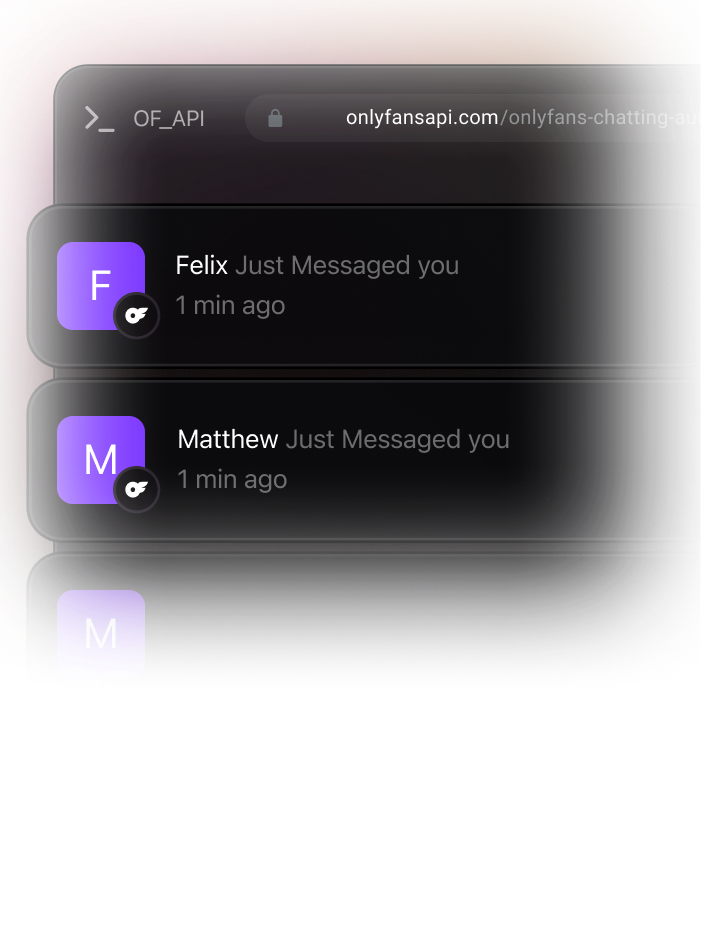
Fan Messages
Incoming message triggers webhook instantly
Your Server
AI chatbot or rule engine processes message
Typing Indicator
Show typing for natural conversation feel
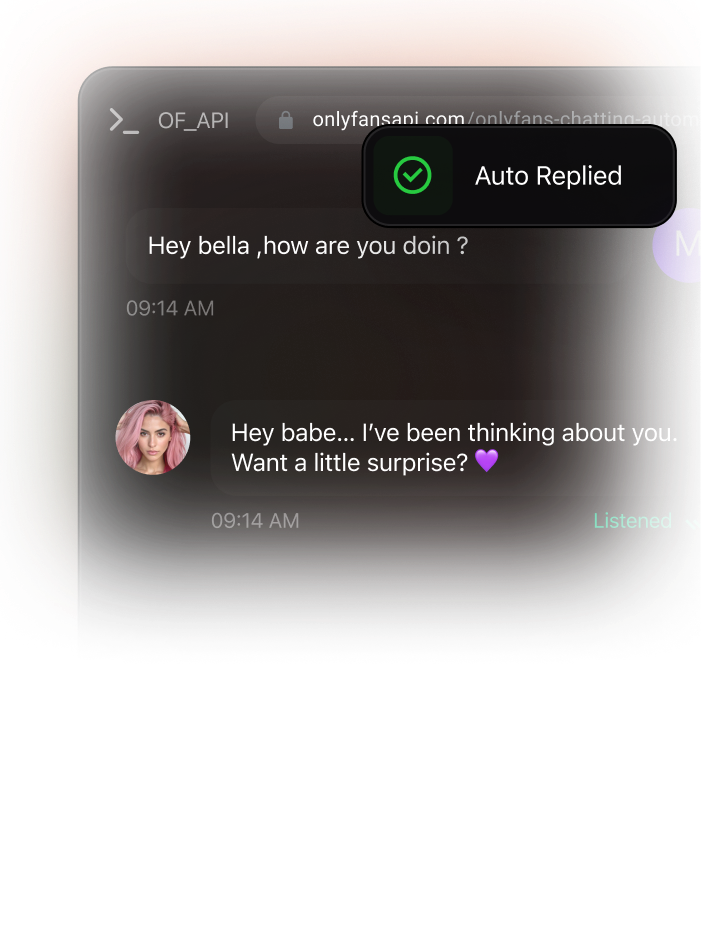
Auto-Reply
Send response via API — text, media, or PPV
[CHAT AUTOMATION USE CASES]
Real Webhook-Driven Chat Automation Use CasesEach use case shows the webhook trigger and the API call to make. Build AI chatbots, welcome sequences, and upsell flows.
Auto-Respond to New MessagesWhen a fan sends a message, your webhook fires instantly. Route the message to your AI chatbot or rule engine and respond within seconds.
WEBHOOKmessages.received
Fires on every incoming fan message with full content and media
POST/api/{account}/chats/{chat_id}/mess..
Send a reply message — text, media, or PPV
Welcome New Subscribers AutomaticallyTrigger a welcome message sequence when a fan subscribes. Send a greeting, then follow up with PPV content on a schedule.
WEBHOOKsubscriptions.new
Fires when a fan initiates a new subscription
POST/api/{account}/chats/{chat_id}/mess..
Send the welcome message with optional media
PPV Upsell on Tip EventsWhen a fan sends a tip, automatically follow up with exclusive PPV content — they already showed buying intent.
WEBHOOKtips.received
Fires when a fan sends a tip with gross/net amounts
POST/api/{account}/chats/{chat_id}/mess..
Send the welcome message with optional media
Show Typing IndicatorsMake automated responses feel human. Trigger typing indicators before sending replies for a natural conversation flow.
WEBHOOKusers.typing
Fires when a fan starts typing — know when to engage
POST/api/{account}/chats/{chat_id}/typ..
Show typing indicator in the chat
Search and Analyze Chat HistorySearch through chat messages to find keywords, analyze conversation patterns, and extract insights for your AI models.
WEBHOOKmessages.received
Build a real-time message index as messages arrive
GET/api/{account}/chats/{chat_id}/mess...
Search messages within a specific chat
Track Chat-Driven RevenueMonitor which automated conversations drive the most PPV unlocks and tips. Optimize your chat flows for maximum revenue.
WEBHOOKmessages.ppv.unlocked
Fires when a fan unlocks PPV — attribute to chat flow
GET/api/{account}/engagement/messages/d...
Get direct message engagement and revenue stats
[PRODUCTION-READY EXAMPLES]
Production-Ready Code ExamplesWebhook handlers for auto-responding, welcome sequences, and tip-based upsells. Copy into your project and customize.
Listen for incoming messages via webhook, process with your AI chatbot, show typing indicator, then respond.
// Webhook handler: messages.received
app.post('/webhooks/onlyfans', async (req, res) => {
  const { event, account_id, payload } = req.body;

  if (event === 'messages.received') {
    // payload.fromUser = sender profile with subscription info
    // payload.text = message content (HTML)
    // payload.fanData.spending = fan's lifetime spend
    const { fromUser, text, fanData } = payload;

    // Skip if message is from the creator (outgoing)
    if (fromUser.isPerformer) return res.sendStatus(200);

    // Generate AI response (your chatbot logic)
    const aiReply = await yourAIChatbot.generateReply({
      message: text,
      fanName: fromUser.name,
      fanSpend: fanData.spending.total,
    });

    // Show typing indicator for natural feel
    await fetch(
      'https://app.onlyfansapi.com/api/' + account_id + '/chats/' + fromUser.id + '/typing',
      {
        method: 'POST',
        headers: {
          'Authorization': 'Bearer sk_your_api_key',
          'Content-Type': 'application/json'
        }
      }
    );

    // Wait 2-4 seconds to simulate typing
    await new Promise(r => setTimeout(r, 2000 + Math.random() * 2000));

    // Send the reply
    await fetch(
      'https://app.onlyfansapi.com/api/' + account_id + '/chats/' + fromUser.id + '/messages',
      {
        method: 'POST',
        headers: {
          'Authorization': 'Bearer sk_your_api_key',
          'Content-Type': 'application/json'
        },
        body: JSON.stringify({ text: aiReply })
      }
    );
  }

  res.sendStatus(200);
});
[CHAT AUTOMATION USE CASES]
Real Webhook-Driven Chat Automation Use CasesEach use case shows the webhook trigger and the API call to make. Build AI chatbots, welcome sequences, and upsell flows.
API
Endpoints
GET
/api/{account}/chats
List all chats with fans
GET
/api/{account}/chats/{chat_id}/messages
List messages in a chat
POST
/api/{account}/chats/{chat_id}/messages
Send a message — text, media, or PPV
GET
/api/{account}/chats/{chat_id}/messages/search
Search messages in a chat
POST
/api/{account}/chats/{chat_id}/typing
Show typing indicator
POST
/api/{account}/chats/{chat_id}/mark-as-read
Mark chat as read
POST
/api/{account}/chats/mark-as-read
Mark all chats as read
DELETE
/api/{account}/chats/{chat_id}/messages/{id}
Delete a message
POST
/api/{account}/chats/{chat_id}/messages/{id}/like
Like a message
POST
/api/{account}/chats/{chat_id}/messages/{id}/pin
Pin a message
GET
/api/{account}/engagement/messages/direct-messages
DM engagement stats
GET
/api/{account}/engagement/messages/direct-messages/chart
DM engagement chart data
WEBHOOK
Webhook Events
EVENT
messages.received
New incoming message from a fan — includes full content, media, and sender data.
EVENT
messages.sent
Outgoing message sent to a fan — confirms delivery with message details.
EVENT
messages.ppv.unlocked
Fan purchases a paid message — includes amount and fan spending history.
EVENT
messages.deleted
A chat message was deleted — includes message ID.
EVENT
tips.received
Fan sends a tip — trigger upsell flows with gross/net amounts.
EVENT
users.typing
Fan is typing a message — know when to engage or prepare a response.
EVENT
subscriptions.new
New subscriber — trigger welcome message sequences.
[REVENUE CONVERSATION INSIGHTS]
Your Best Revenue Conversations Are Buried in Your Inbox. Find Them.Every day your team sends thousands of messages. Some make money. Most don't. AI Chat Analytics surfaces the patterns so you spend less time chatting and more time closing.